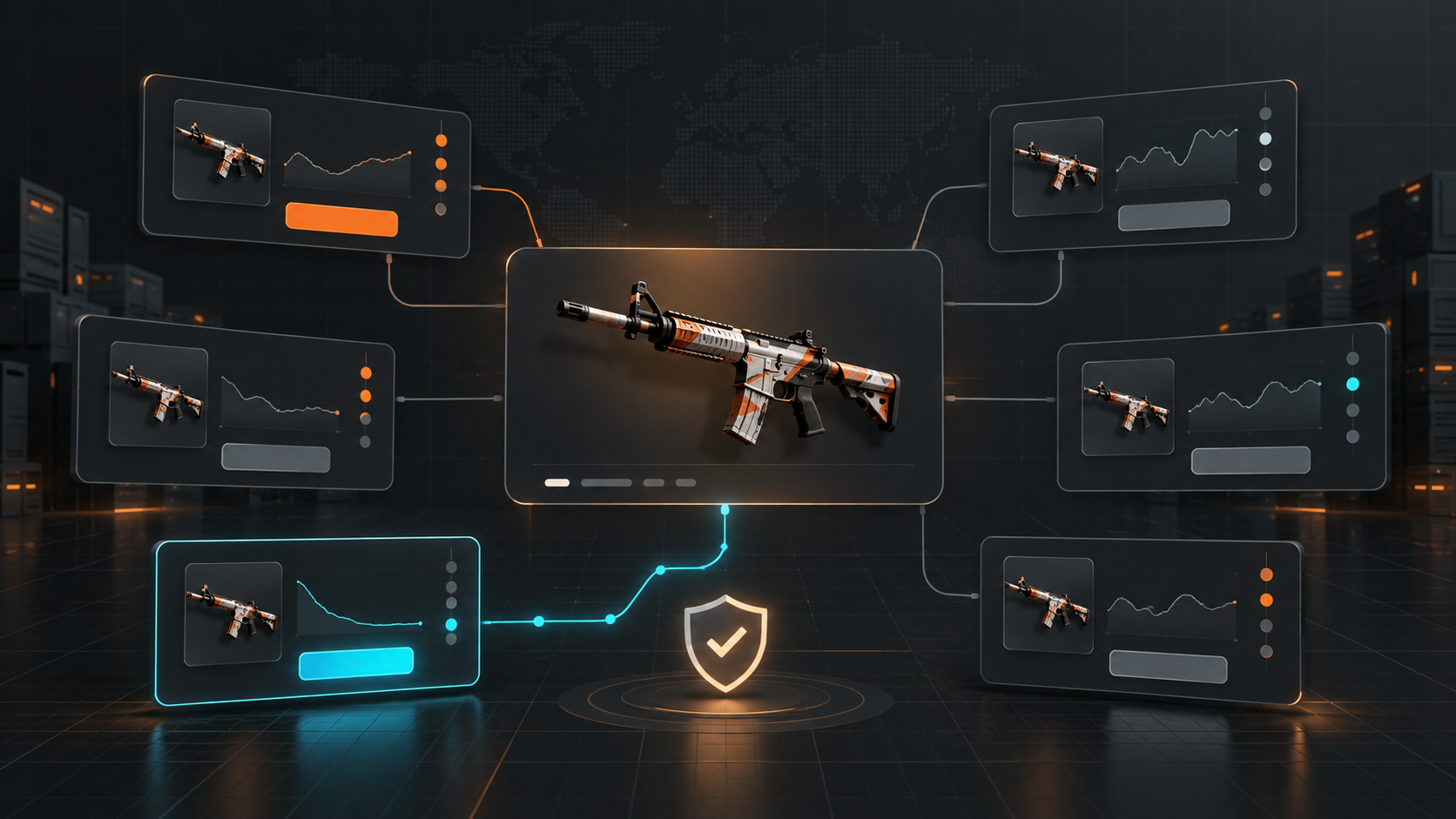
Marketplace capabilities reviewed on September 16, 2026. HaloSkins API approval, delivery modes, limits, and account behavior can change; verify current provider documentation before enabling purchases.
The short answer
The best trading bot for HaloSkins depends on whether you need provider-native API automation or a broader desktop workflow. HaloSkins documents an Open Platform API with approval and order-related capabilities; AutoBuyCS is relevant when you want HaloSkins monitored with other sources, plus float-aware buying rules, Instant Buy, AutoBuy, and purchase history in Windows.
Key takeaways
- HaloSkins API access is an approval and account-permission question, not just an installation step.
- P2P and bot delivery can change the operational risk and timing of a purchase.
- Use float, price, quantity, and total-budget rules together; verify each field in a small test.
The query best trading bot for HaloSkins looks specific, but it hides several decisions. Do you need a HaloSkins-only API bot, a listing alert tool, a float-aware buyer, or a desktop app that compares HaloSkins with other marketplaces? A useful answer needs to separate those use cases.
Quick answer
Start with HaloSkins’ current Open Platform documentation if your workflow is provider-specific and API-driven. Consider AutoBuyCS if you want HaloSkins connected to a Windows buying workflow that also monitors other supported marketplaces, applies target rules, and keeps purchase history and notifications together. Test P2P or bot delivery behavior before using a serious budget.
What HaloSkins API documentation tells buyers
HaloSkins’ Open Platform API documentation describes application approval and operations around balances, orders, settings, and item searches. Its catalogue examples include searching by market hash name and maximum price, while delivery can be represented as P2P or bot. These details matter because automation is only as reliable as the fields it can read and the actions the account is permitted to perform.
Do not assume that an API page means every account can immediately place every type of order. Confirm approval, authentication, balance, order status, and any rate or usage limit before you design an unattended workflow.
Four things to compare in a HaloSkins bot
Item qualification
Can the tool match the exact market hash name and distinguish the attributes that affect value? For higher-sensitivity items, add float and sticker conditions rather than accepting a generic name match.
Delivery awareness
P2P and bot delivery can produce different timing and handoff expectations. A good workflow makes the delivery mode visible and records whether the order is waiting, completed, or failed.
Account and API state
Authentication failures, insufficient balance, and an unapproved API application should stop buying clearly. They should not appear as silent “no deals found” results.
Rule enforcement
Price, quantity, float, and total-spend limits should be enforced when the purchase is attempted. A settings page that displays a limit but does not carry it into execution is not a control.
HaloSkins-native automation vs AutoBuyCS
A HaloSkins-native tool may give you a focused workflow and a smaller set of provider assumptions. That can be helpful if all your buying happens on HaloSkins. The trade-off is that you manage the provider connection separately from other markets.
AutoBuyCS is a Windows desktop app built for multi-marketplace buying. HaloSkins is one of its supported sources, and its documented workflow includes price monitoring, Instant Buy, target-based AutoBuy, scheduled DCA plans, notifications, and purchase tracking. Float-aware purchase enforcement is supported on HaloSkins. Attachment and sticker scanners remain read-only research tools; they do not themselves execute a purchase.
A controlled HaloSkins AutoBuy setup
- Confirm the HaloSkins connection, API approval, account, and available balance.
- Choose one market hash name and quantity one for the first test.
- Set a max unit price that already reflects your risk tolerance and expected fees.
- Add a float rule only when you have confirmed the provider returns the required item field.
- Observe whether the workflow distinguishes P2P, bot, pending, and completed states.
- Review the purchase record and balance after the first successful or failed attempt.
HaloSkins bot safety checks
- Keep API credentials private and use the narrowest permissions available.
- Never treat a match as a guaranteed bargain; compare effective cost and liquidity.
- Pause after a provider change or an unexpected order-state response.
- Use one source and one target while validating a new integration.
- Set a session or total budget before enabling unattended execution.
How to choose the right HaloSkins workflow
Use a native API workflow when your main requirement is HaloSkins-specific order logic and you are prepared to manage API approval, authentication, rate limits, and maintenance. Use a multi-market AutoBuy workflow when you repeatedly compare the same target across marketplaces and want one purchase history. Use Instant Buy when a listing has a meaningful float, sticker, or delivery nuance that deserves a manual review. You can combine these lanes, but keep their budgets and rules separate so an experimental target does not inherit a production limit.
During testing, compare the expected item attributes with the attributes recorded after purchase. Check the delivery mode, completion time, total charge, and any manual step that remained. A “successful” API response is not the same as a completed trade if the final handoff still depends on another action.
Bottom line
The best HaloSkins trading bot is the one that fits your operating model and makes the provider-specific details visible. Use HaloSkins’ own API path when you need native automation and can manage the integration. Use AutoBuyCS when the goal is a controlled Windows workflow across HaloSkins and other marketplaces. In both cases, validate the fields, delivery mode, order state, and hard limits with a small live test.
Next, compare float and sticker filtering with the overbuy prevention checklist.
Frequently Asked Questions
What is the best trading bot for HaloSkins?
The best option depends on your workflow. A HaloSkins-native API integration can suit provider-specific automation, while AutoBuyCS suits buyers who want HaloSkins in a multi-marketplace Windows workflow with repeatable rules.
Does HaloSkins have an API for bots?
HaloSkins publishes Open Platform API documentation describing application approval and marketplace operations. Check the current documentation and account requirements before assuming a specific buying endpoint is enabled.
Can AutoBuyCS use float filters on HaloSkins?
AutoBuyCS supports float-aware purchase enforcement on HaloSkins. Validate the behavior against a small target and review the resulting order history before scaling.
What is the difference between P2P and bot delivery on HaloSkins?
The delivery mode describes how the item reaches the buyer and can affect timing, trade flow, and operational expectations. Confirm the marketplace’s current delivery terms for the listing you are considering.