Product details reviewed against AutoBuyCS v1.0.20 on September 16, 2026. Marketplace availability, fees, and API behavior can change.
The short answer
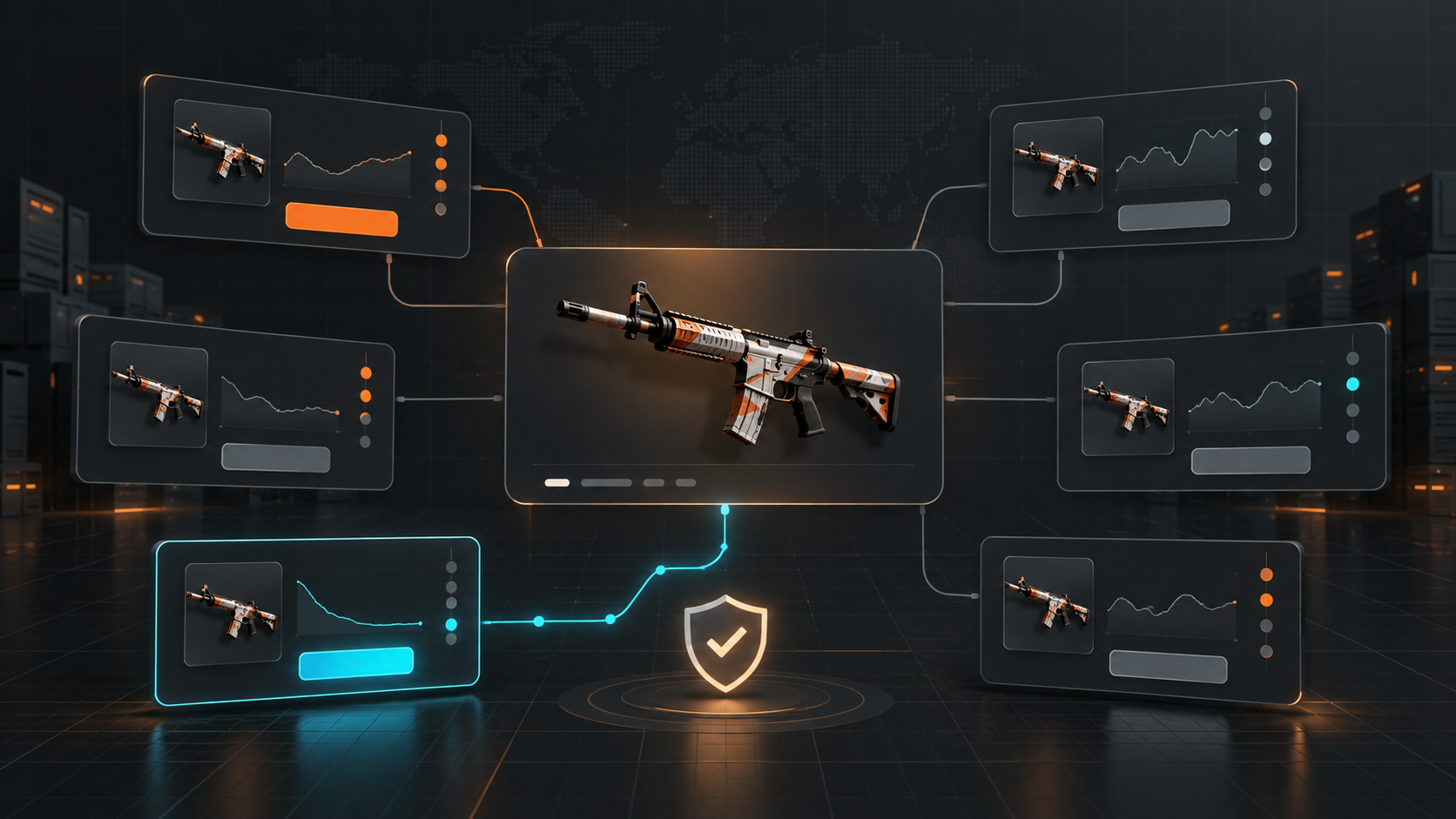
Instant Buy is a user-triggered purchase for a listing you are reviewing now. AutoBuy is a target-based workflow that monitors connected marketplaces and attempts a purchase when the listing matches your price, quantity, and other configured rules. Use Instant Buy for one-off or high-uncertainty decisions; use AutoBuy for repeatable criteria that you have already tested.
Key takeaways
- Instant Buy is better when you want to inspect the exact listing before confirming.
- AutoBuy is better for repeatable max-price, quantity, and budget rules.
- Neither workflow guarantees availability, fills, or a positive resale outcome.
People often use “instant buy” and “autobuy” as if they mean the same thing. They are different operating modes. An instant buy is a decision you make on a specific listing. An AutoBuy rule is a decision framework you prepare before the listing appears.
Instant Buy: direct control over one listing
Instant Buy fits a buyer who wants to inspect the exact item, marketplace, price, and available quantity before sending an order. It is useful for a one-off purchase, a rare item with unusual attachments, or a listing where the context matters more than speed.
The trade-off is attention. You need to be watching the market, notice the listing, evaluate it, and complete the action while the listing is still available. A manual flow can also become inconsistent when you are comparing many marketplaces or repeating the same decision dozens of times.
AutoBuy: repeatable rules for matching listings
AutoBuy fits a buyer with criteria that can be written down: item name, maximum unit price, quantity, marketplace, and, where supported, a float requirement. The monitor checks connected sources and evaluates new or changed listings against those rules.
The key benefit is consistency. If the rule says “never pay more than this price” or “do not exceed this quantity,” the rule can apply that boundary each time. The risk is that a correct rule can still produce an unwanted purchase if the item universe, market selection, balance, or attachment context was configured incorrectly.
Side-by-side comparison
| Decision factor | Instant Buy | AutoBuy |
|---|---|---|
| Trigger | You select and confirm a specific listing. | A connected monitor finds a listing that matches saved rules. |
| Best fit | One-off, rare, or context-heavy purchases. | Repeatable criteria across a known item list. |
| Control | High per-listing review control. | High consistency when limits are configured correctly. |
| Speed | Limited by your attention and reaction time. | Limited by data freshness, API behavior, and listing availability. |
| Required safeguards | Review the item, seller, fees, and final total. | Max price, quantity cap, total budget, duplicate protection, and pause procedure. |
When manual confirmation is the better choice
Choose Instant Buy when the decision depends on information that is difficult to express as a rule. Examples include a collectible with unusual sticker placement, an item with a questionable attachment valuation, or a high-value listing where you want a second review before committing.
Manual does not mean risk-free. Confirm the marketplace URL, total cost after fees, account balance, and item identity. Treat price estimates as estimates until the final purchase screen or API response confirms the order.
When AutoBuy is the better choice
Choose AutoBuy when the decision is stable and measurable. A simple starting rule might contain one marketplace, a short item list, a strict maximum price, a low quantity, and a total spend limit. Observe the logs before adding markets or increasing the budget.
AutoBuyCS is a Windows desktop workflow for this type of controlled buying. It supports price monitoring across 9+ connected marketplaces, Instant Buy, target-based AutoBuy, purchase tracking, and branded Windows purchase alerts. Float-aware purchase rules are supported on CSFloat, HaloSkins, and CSGOMarket; support is not identical across every market.
How to choose a safe starting workflow
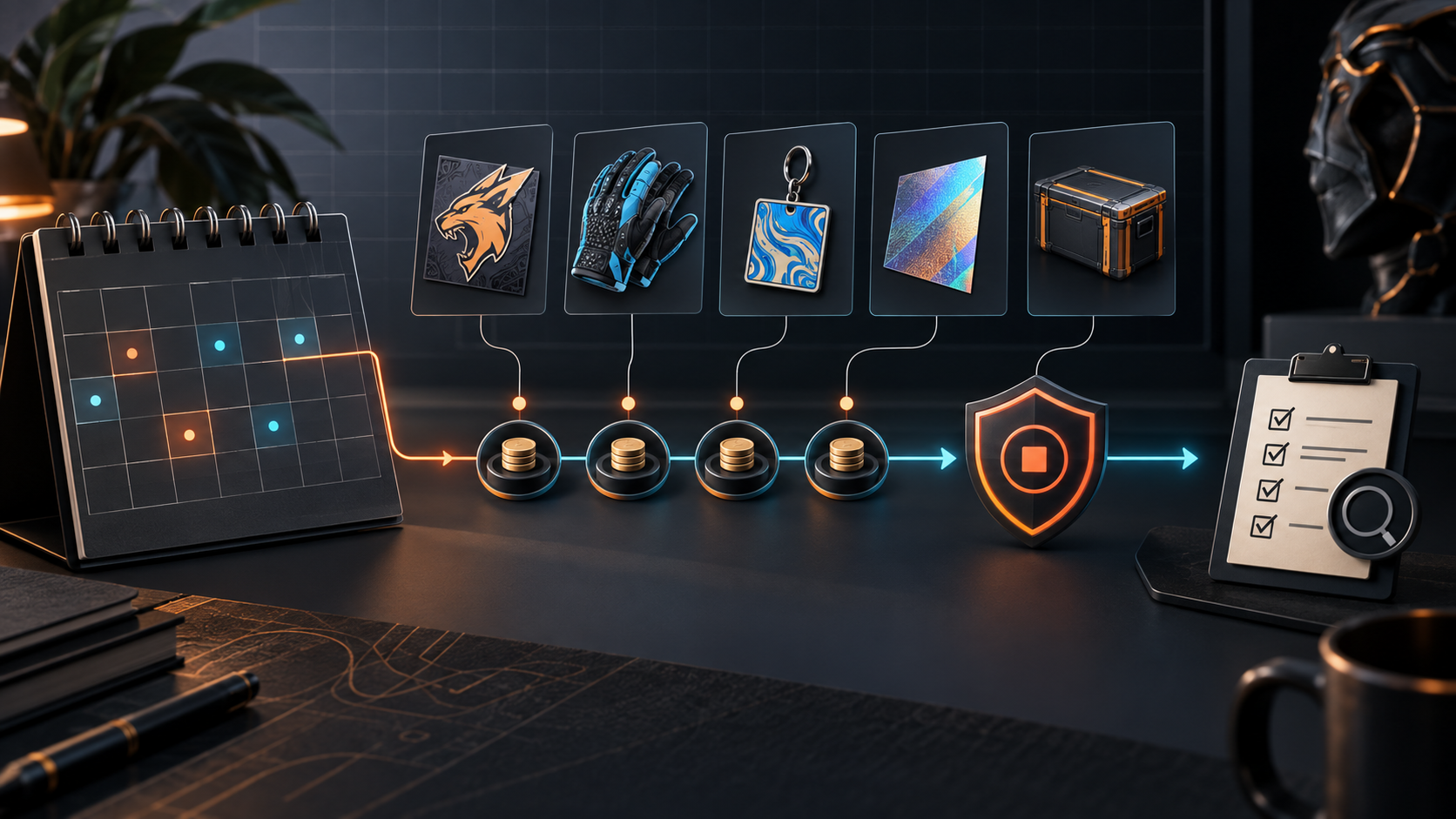
- Write down the item, maximum unit price, desired quantity, and total budget before opening automation.
- Start with one supported marketplace and verify the account or API permissions required for buying.
- Run a small test and compare each purchase or skipped order with the rule that caused it.
- Add float or attachment requirements only after the basic price and quantity logic is understood.
- Keep a clear pause path for stale prices, API errors, unexpected balance changes, or a marketplace incident.
Bottom line
Instant Buy is a manual review workflow. AutoBuy is a repeatable execution workflow. The right choice depends on whether the decision can be expressed clearly enough to run without a fresh human review. Start with constraints, test with a small exposure, and expand only when the logs show that the system is following the rules you intended.
For the setup sequence, see the CS2 automation getting-started guide and the overbuying safeguards checklist.
Frequently Asked Questions
What is the difference between CS2 Instant Buy and AutoBuy?
Instant Buy starts from a listing you choose and confirm. AutoBuy monitors for listings that match rules you configured in advance, then attempts the purchase through a connected marketplace.
Is AutoBuy faster than manually buying a CS2 skin?
Automation can reduce the time between detecting a matching listing and sending a purchase request, but actual speed depends on marketplace data, API limits, balance, listing availability, and network conditions.
Can AutoBuyCS use float rules when buying?
Yes, float requirements are enforced during buying on CSFloat, HaloSkins, and CSGOMarket. On other supported marketplaces, AutoBuyCS can monitor price but does not claim to enforce float requirements at purchase time.
Should I use AutoBuy for expensive or rare skins?
Only after testing the exact rule with a small budget and understanding the marketplace behavior. For a high-uncertainty listing, manual review may be more appropriate than unattended execution.